01
Claim your own report
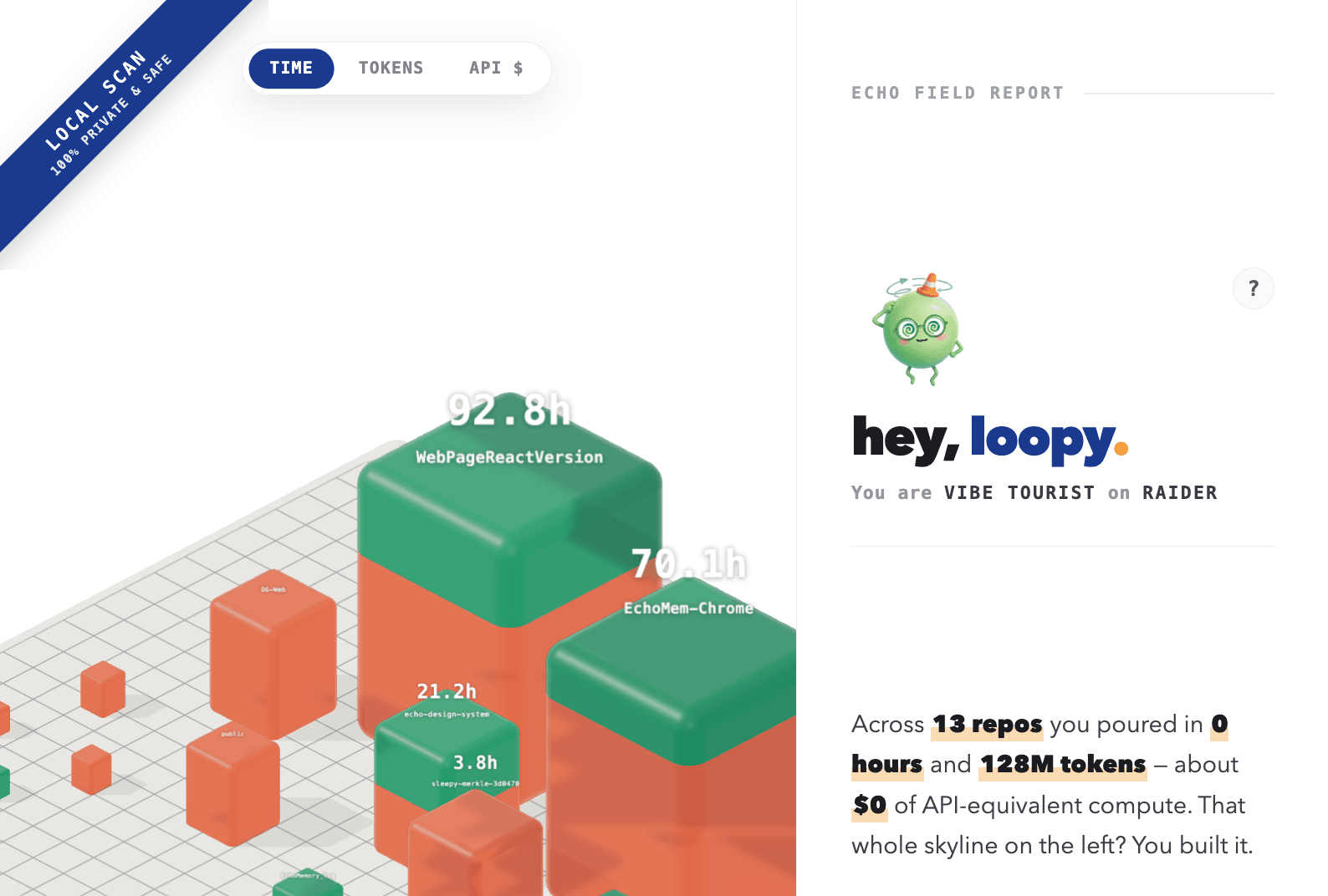
Run the command. Echo opens a private 3D field report from your local AI history.
EchoMem MCP
Run one command to open a private 3D report of your AI work. Connect EchoMem when you are ready, then let Codex, Claude Code, Cursor, or Terminal search and save memory.
npm i -g @echomem/mcp@latest && echomem-mcp initStart here
Run the command. Echo opens a private 3D field report from your local AI history.
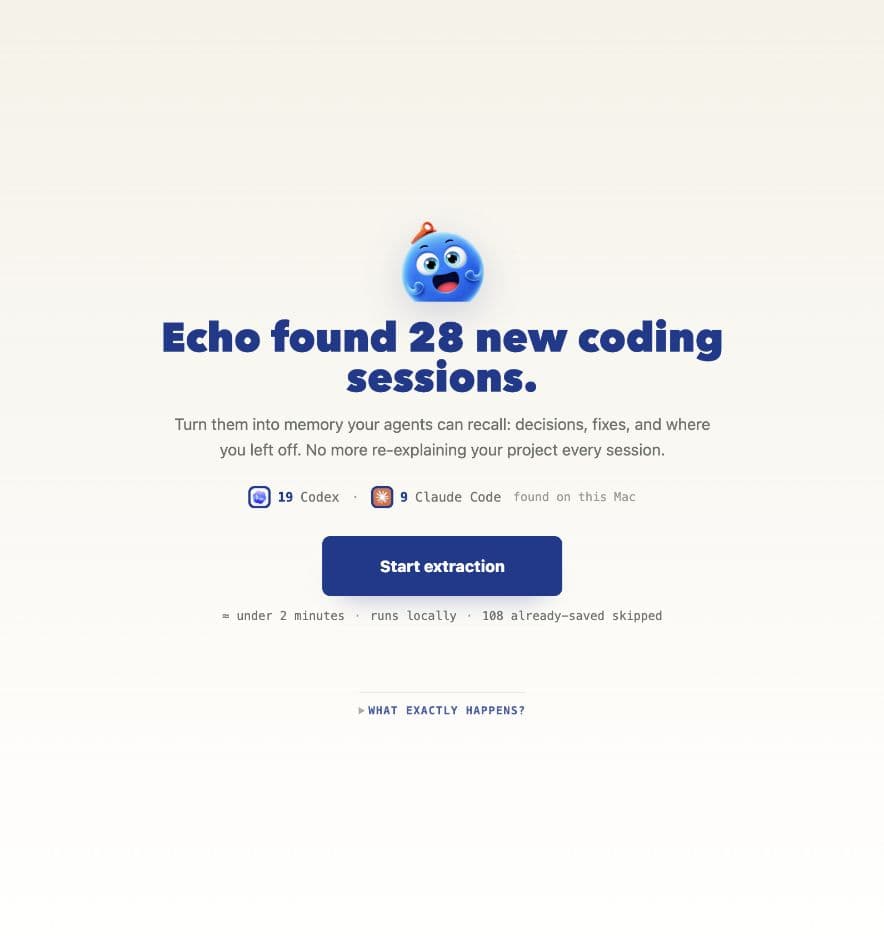
Sign in when you are ready. Echo shows what it found before anything is imported.
When the HUD says Drifted, start fresh and carry the checkpoint into the next chat.
Renew and I carry your work over.
Goal, decisions, files, and next prompt are packed.
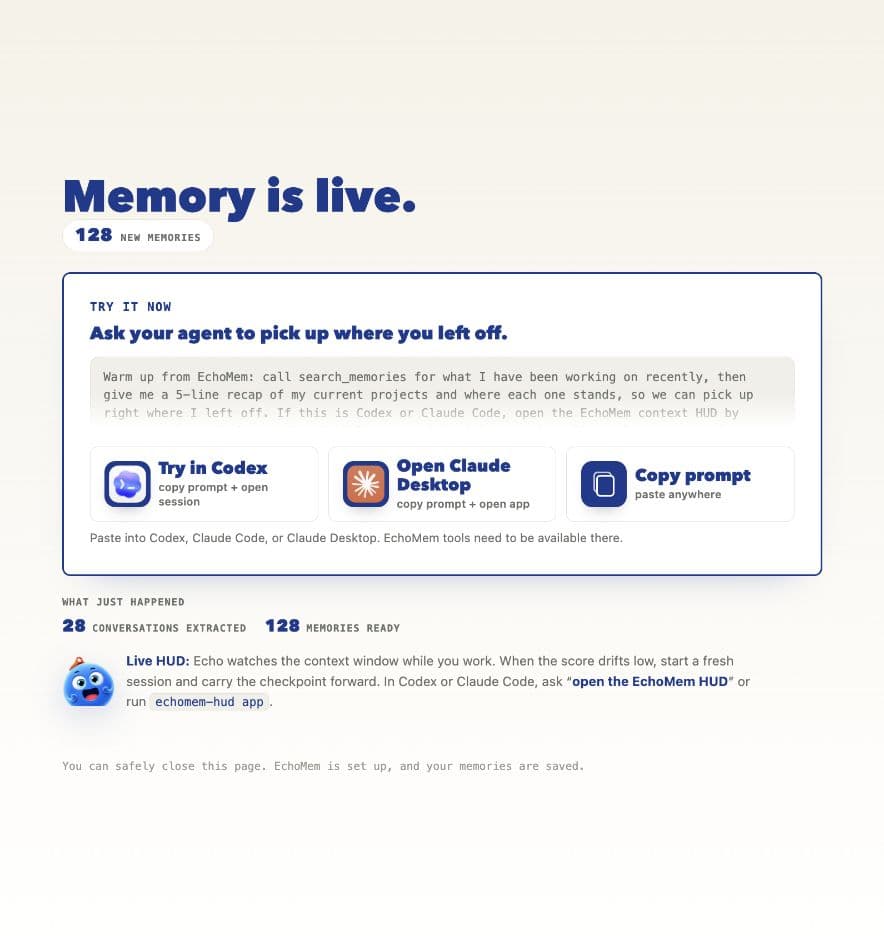
Ask Codex or Claude to search memory, save a decision, or continue from the checkpoint.
Live HUD
The HUD watches the working window while you code. Green means keep going. Amber means wrap the thought. Red means renew and carry the checkpoint forward.
Old context is crowding the window. Renew and I carry your work over.
Goal · finished work · files touched · next prompt
New session use case
When the old chat gets crowded, Echo packs the current goal, decisions, files, and next prompt. The fresh Codex session starts from that checkpoint.
 Codexreset with Echo
YouMake the MCP page match the real onboarding.
Echo HUD48 score. Old context is crowding the window.
GoalShip the MCP start page with the real onboarding flow.
DecisionsUse the 3D field report, horizontal steps, and rendered HUD state.
FilesEchoMcpStartPage.jsx and the research page CSS.
NextTighten copy, verify mobile, then publish the page.
Search my memories for this MCP page, then continue from the checkpoint.
After setup
Each prompt checks one EchoMem tool.
Search my memories for the launch plan we picked last week.Save this decision: ship the quick-start page before the full docs page.What did we decide about pricing?Copy the command, connect Echo when you are ready, then reset with context.